|

ROES PRODUCTS
8" x 10" Designer Group Photos
Instructions
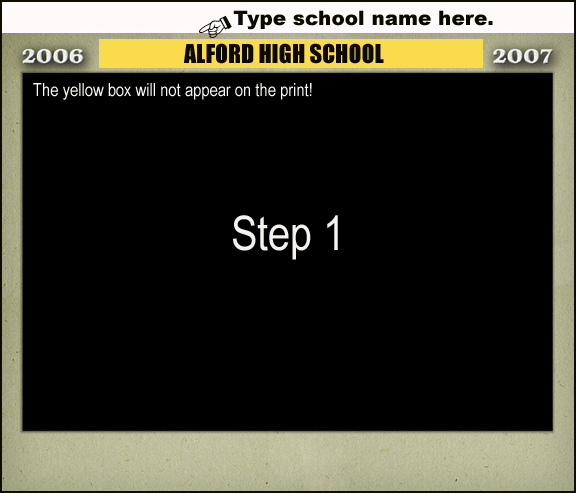
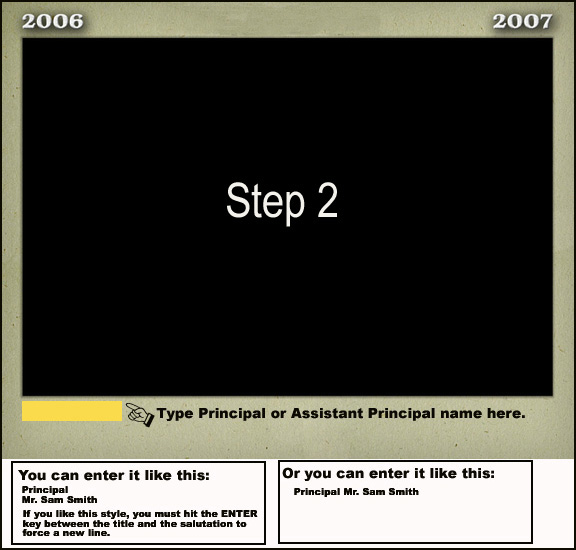
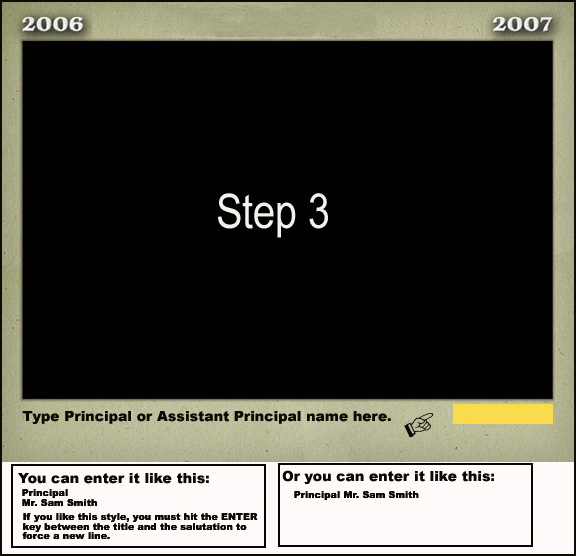
You must enter all titles and names.
You are responsible for entering all titles and names. Leave an area blank if you'd like.
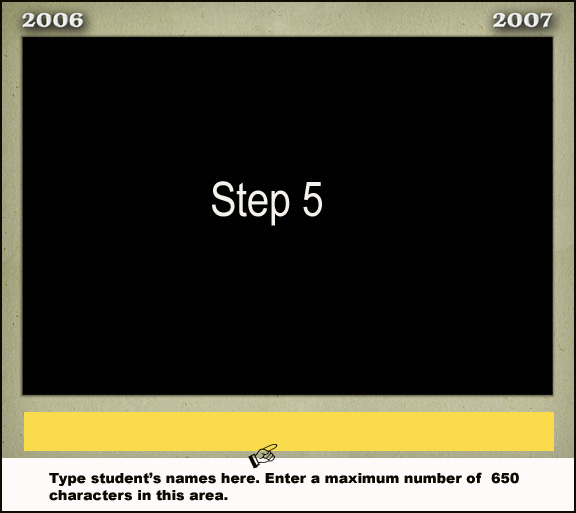
When you enter the student's names, the type will only appear on one line in the ROES application. The type will be entered correctly on your final print.The minimum type size used will be 8 pt. There is a maximum character count of 650 in the student name line.
If you want the first line to be the first row, the second line to be the second row, etc., you must insert the "enter" key between rows. See an example below.
The yellow boxes on the 8x10 portrait in the ROES application appear to show you the text area locations. The boxes will not appear on the prints.
| Background 325 |
|---|
| Background 602 |
| Background 607 |
| Background 616 |
| Background 621 |
| Background 645 |
| Background 647 |
| Background 684 |
| Background 692 |
 |
||
|---|---|---|
 |
||
 |
||
|
||
 |
||
|
||
 |
||
|
||
READ THE FOLLOWING CAREFULLY!
|